YouTube Videos
Specialized tech tutorials covering media compression, codecs, AI reconstructions, and graphics.
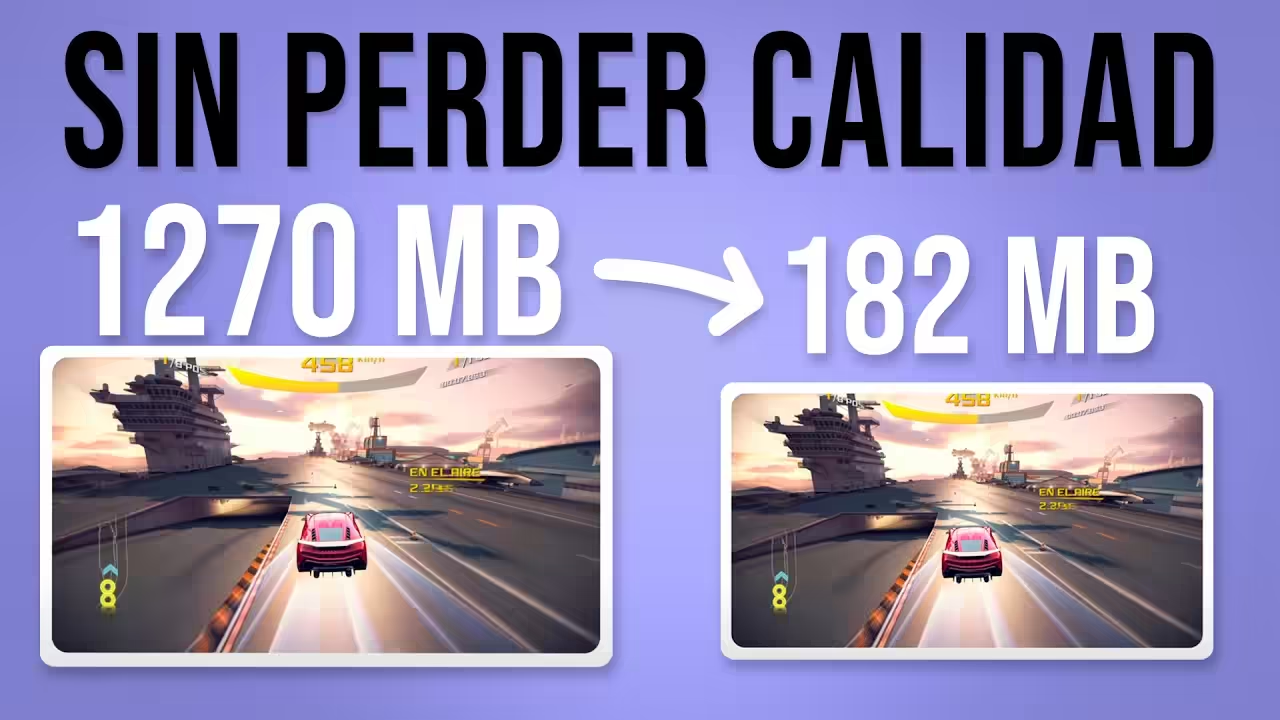
How to Compress Videos Without Quality Loss Using VMAF & AB-AV1
Comprehensive guide to install and use AB-AV1 along with FFmpeg. Learn step-by-step how to maximize storage savings while keeping a perfect visual quality verified by the VMAF metrics.
Complete Gaussian Splatting / NeRF Tutorial using NerfStudio + Brush
Master photorealistic 3D scene reconstruction starting from ordinary video clips. Hands-on detailed tutorial using NerfStudio and Brush, featuring full support for NVIDIA, AMD, Intel, and Apple Silicon Mac hardware.
Install Sunshine to play on your PC from anywhere with almost no latency up to 4k 240fps
Complete guide to install and configure Sunshine and play your PC from anywhere with minimal latency, supporting resolutions up to 4k at 240fps.
Play or use your computer from anywhere with Parsec | Tutorial
Step-by-step tutorial to install and use Parsec, the tool that lets you access and play your computer from anywhere easily and smoothly.
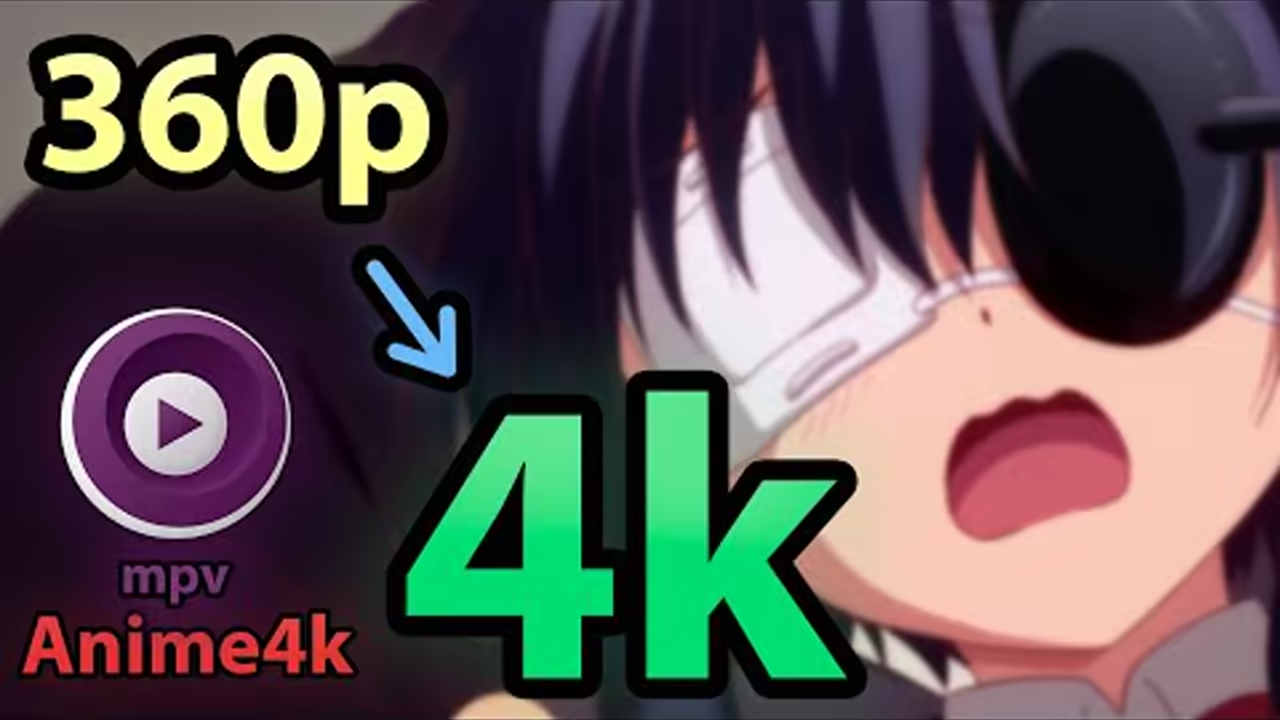
How to install Anime4k in mpv to watch anime at 4k in real time
Learn how to install and configure Anime4k shaders in the MPV player to watch anime upscaled to 4k in real time with improved quality.
How to share your GPU with a virtual machine for 2+ people to play with just 1 PC
Guide to set up GPU passthrough to virtual machines and allow multiple people to play simultaneously using a single computer.
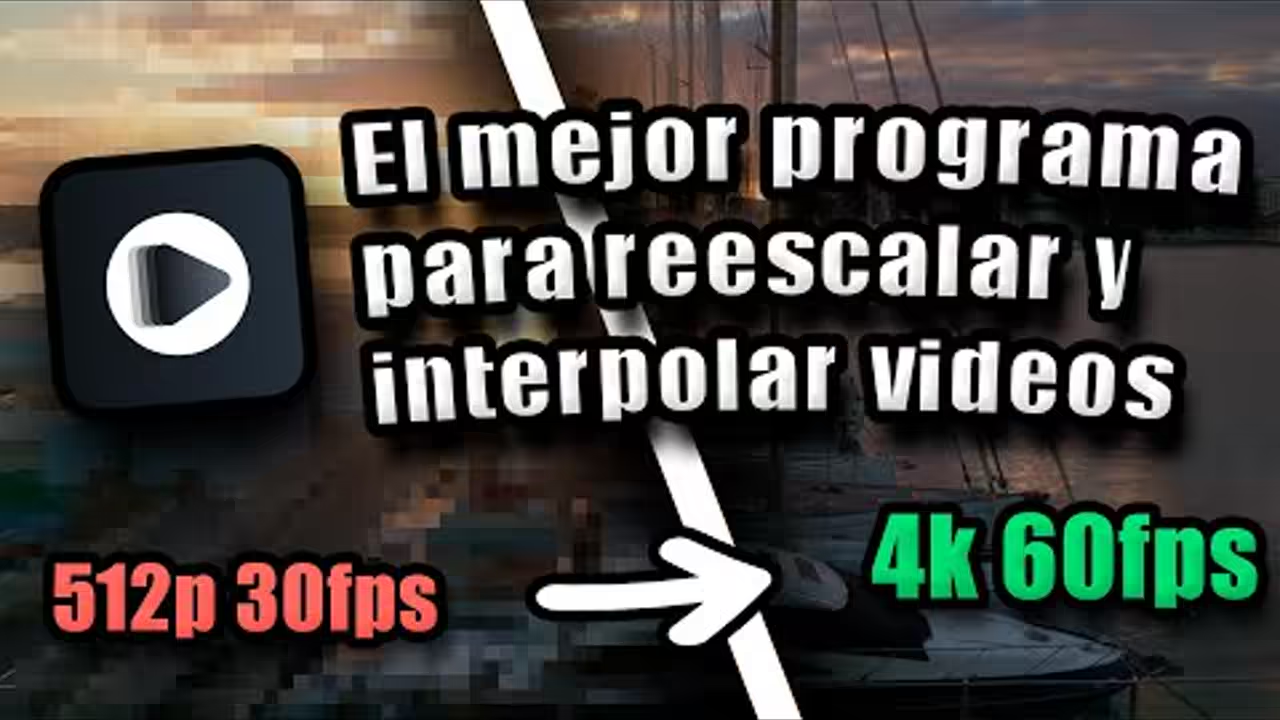
The fastest program for upscaling and interpolating videos | REAL-Video-Enhancer
Presentation and tutorial of REAL-Video-Enhancer, the fastest tool for upscaling and interpolating videos with artificial intelligence.
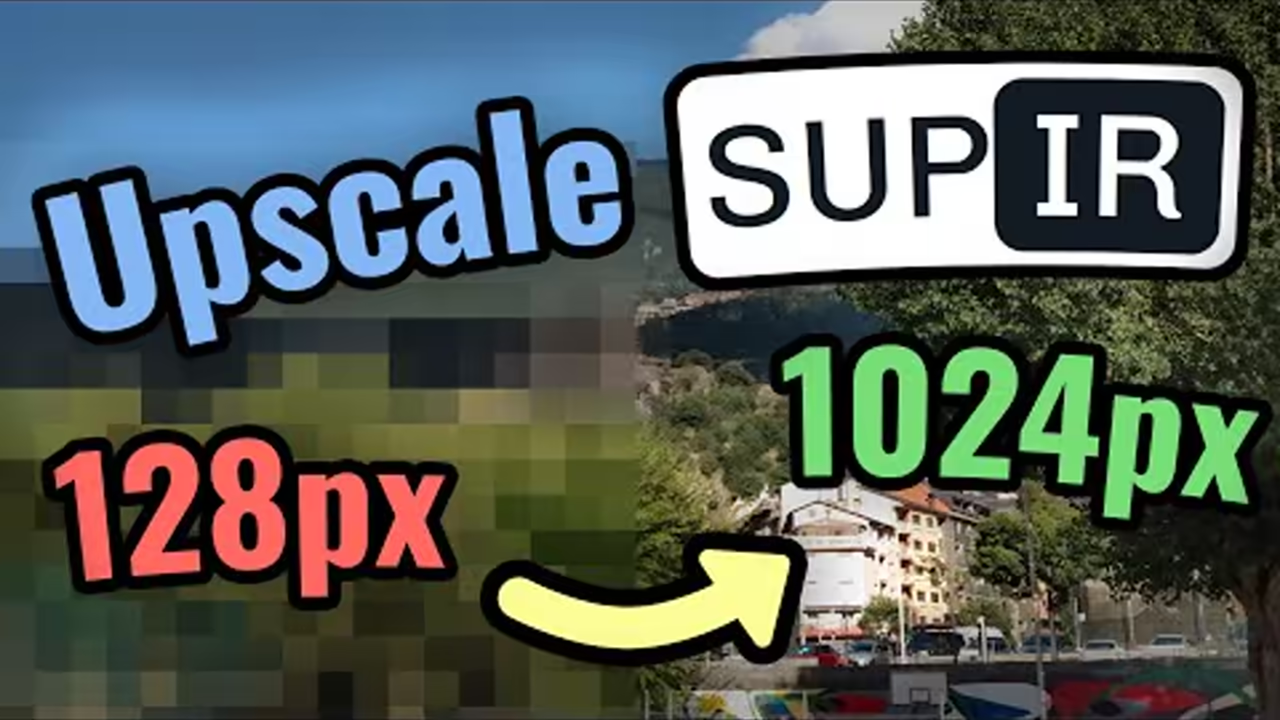
Image upscaling with SUPIR (Better than any other model) - Highly detailed
Detailed tutorial on how to use SUPIR for image upscaling with quality superior to other available AI models.
How to generate and edit subtitles with AI for any video in any language | SubtitleEdit
Complete guide to automatically generate and edit subtitles using artificial intelligence with SubtitleEdit, compatible with any language.
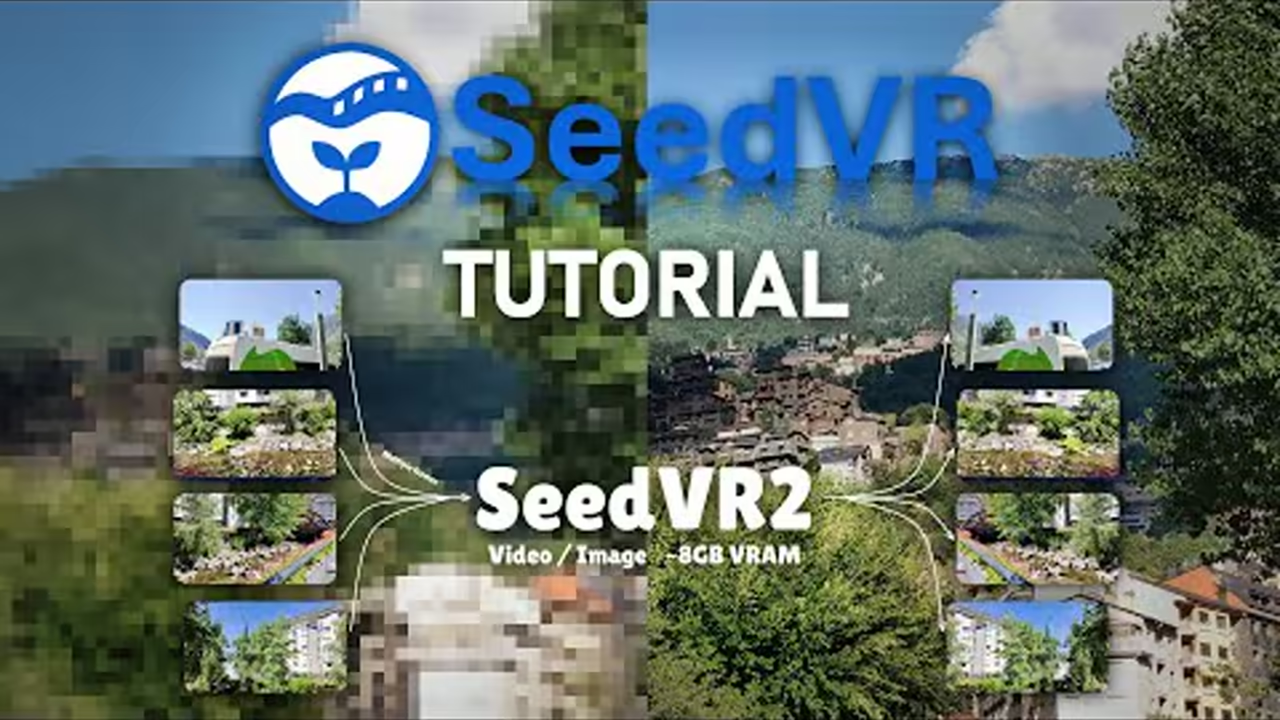
SeedVR2 | An incredible model for upscaling images and especially videos | Now with just 8GB VRAM
Presentation of SeedVR2, an exceptional AI model for upscaling images and videos with just 8GB of VRAM, delivering impressive results.
How to install NERF on Windows + Tutorial + Examples + Recommendations
Complete tutorial to install NeRF on Windows with practical examples and recommendations to get the best results in 3D reconstruction.
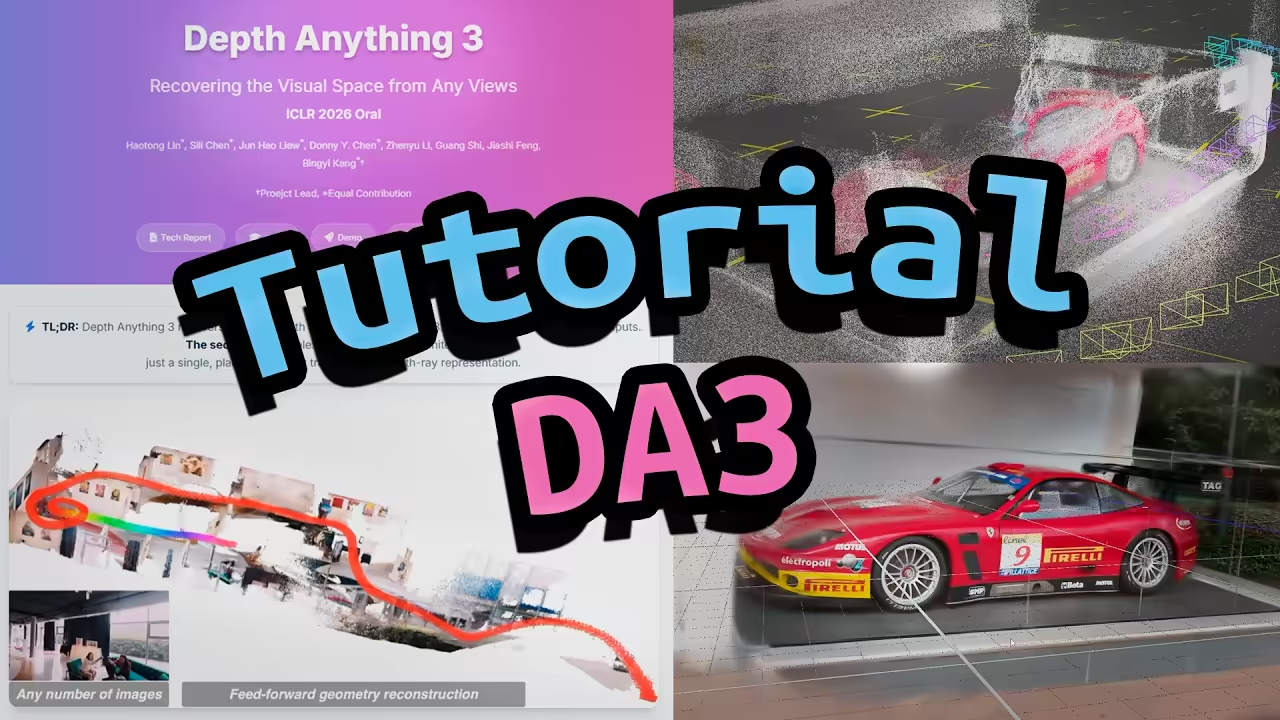
How to install and use Depth Anything V3 locally and extract GLB/COLMAP/Gaussian Splatting files
Complete tutorial on how to install and run Depth Anything V3 locally to extract GLB files, COLMAP data, and Gaussian Splatting configurations, using a custom fork that enables execution via Docker.
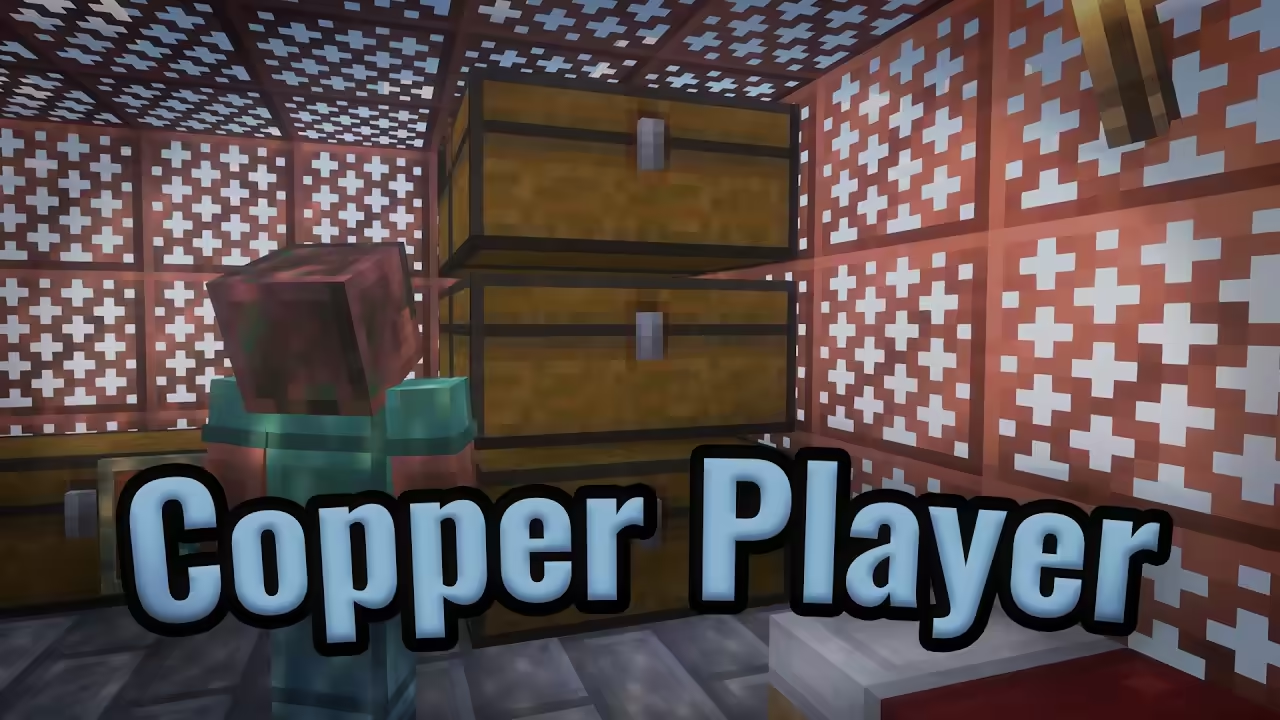
I've made an enhanced version of the Copper Golem in Minecraft with a bot
Creation and demonstration of an enhanced version of the Copper Golem in Minecraft using a fully automated bot with Mineflayer.
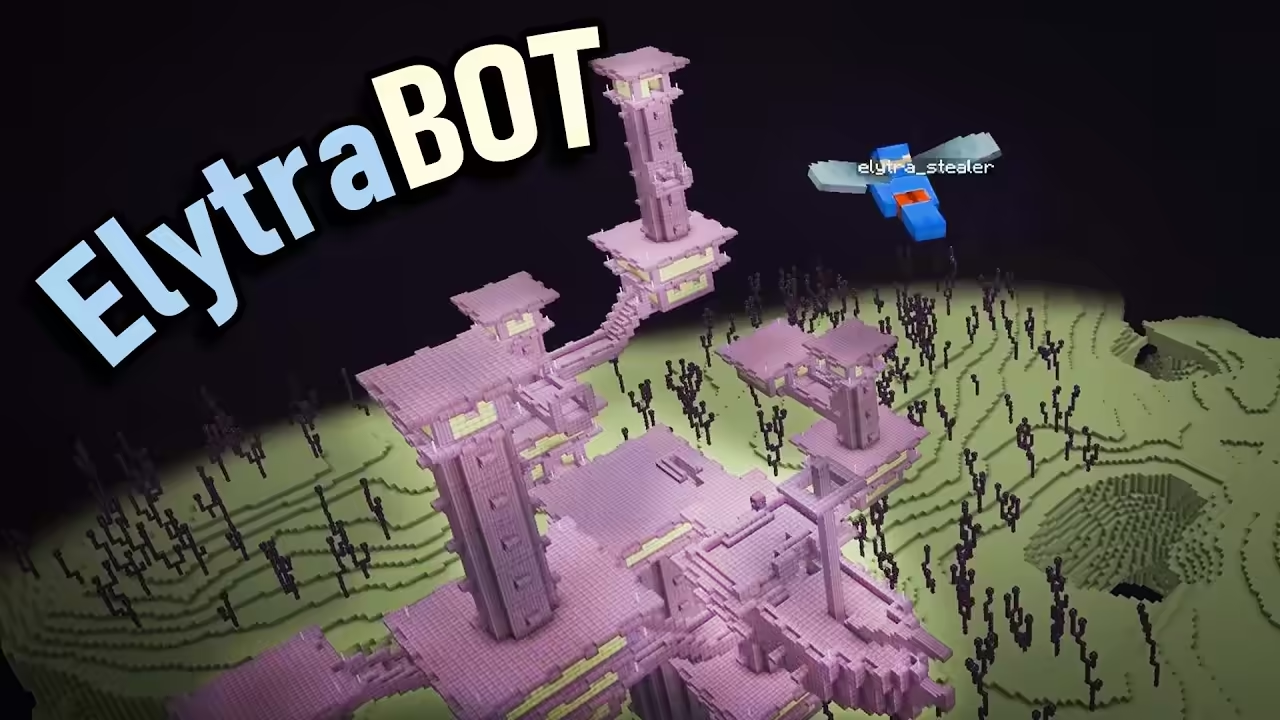
I created a bot that flies on its own collecting all Elytras from the End
Design and development of an automated bot with Mineflayer that flies autonomously through the End to collect all Elytras in Minecraft.
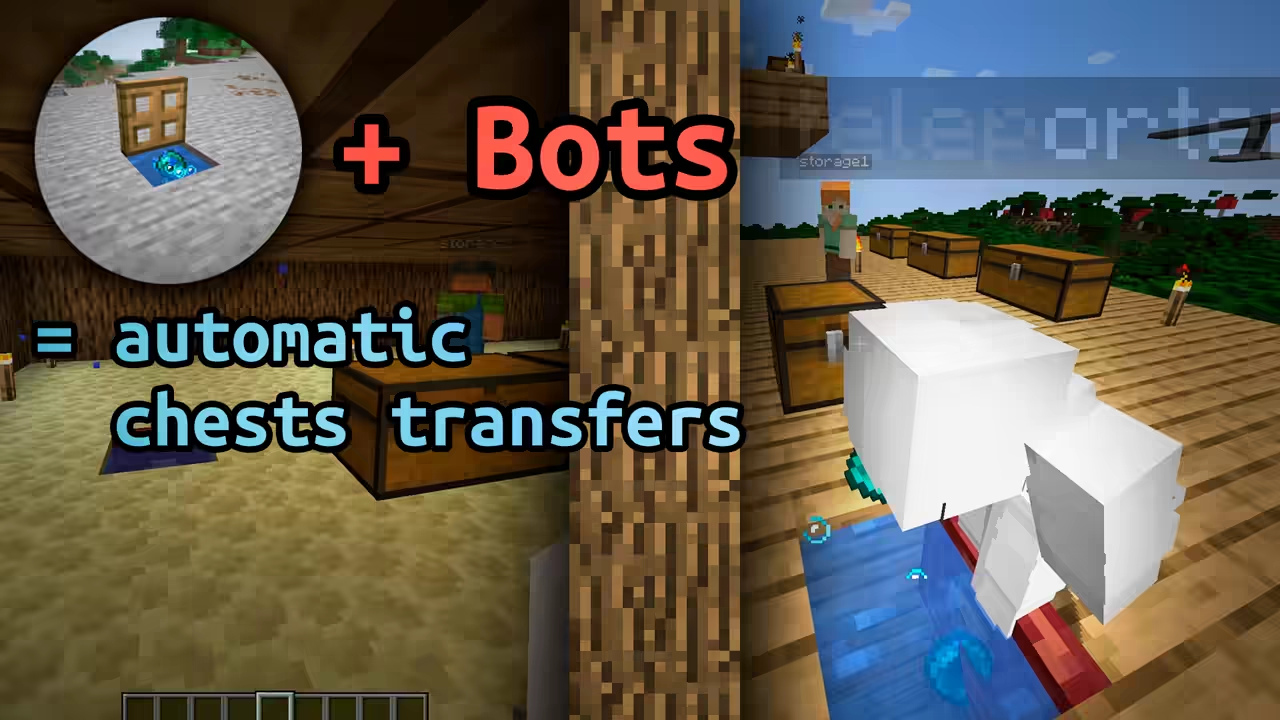
Transfer all your base's chests over any distance with this bot
Demonstration of a 3-bot Mineflayer system that moves entire chests between bases over any distance using stasis chambers.